
TL;DR: The Shift from Generation to Precision
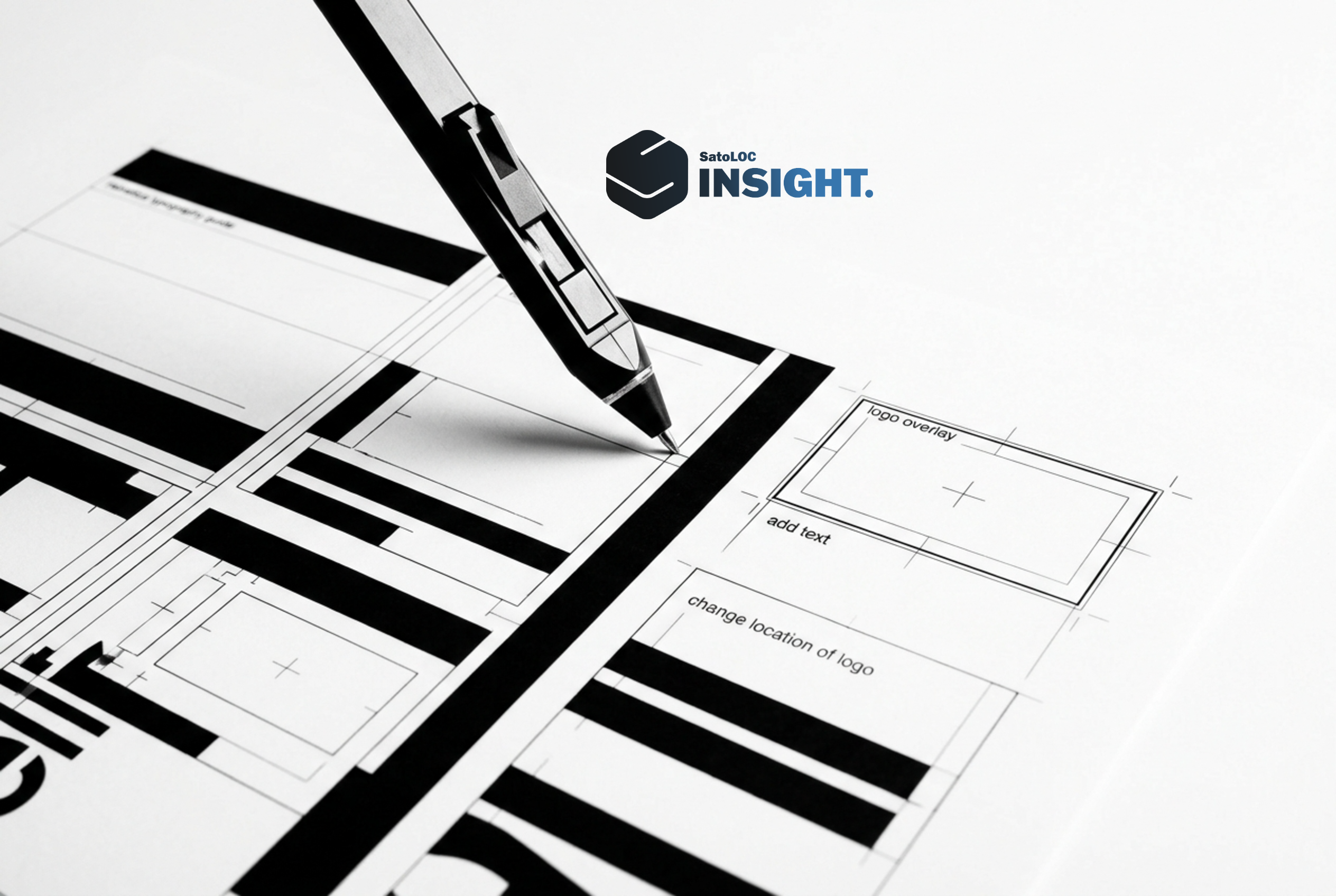
The prompt-and-pray era of AI imagery is over. The industry has shifted toward integrated AI Image Editors that allow creators to edit in one editor where you generate your content. This evolution solves the “last mile” problem of AI content: the need for brand consistency, accurate logo overlay, and precise text addition. By combining generative power with surgical editing tools—such as the ability to resize logo assets or change location of logo placements—businesses are finally achieving professional-grade, brand-safe visuals at scale.
For the past few years, generative AI has felt like a magic trick. You typed a prompt, and a stunning image appeared. However, for marketing teams, developers, and content creators, that magic often came with a catch: the image was almost perfect, but not quite right. Perhaps the background was slightly off, the text was gibberish, or most importantly, it lacked the corporate branding necessary for a professional campaign.
The focus has moved beyond mere generation. The revolution is happening within the AI Image Editor. We are no longer satisfied with what the AI gives us; we are demanding the tools to refine, brand, and localize those images within a single, unified workflow. For companies like SatoLOC, which sits at the intersection of technology and global content strategy, this shift represents a massive leap in efficiency and brand integrity.
1. The End of the “Prompt-and-Pray” Era
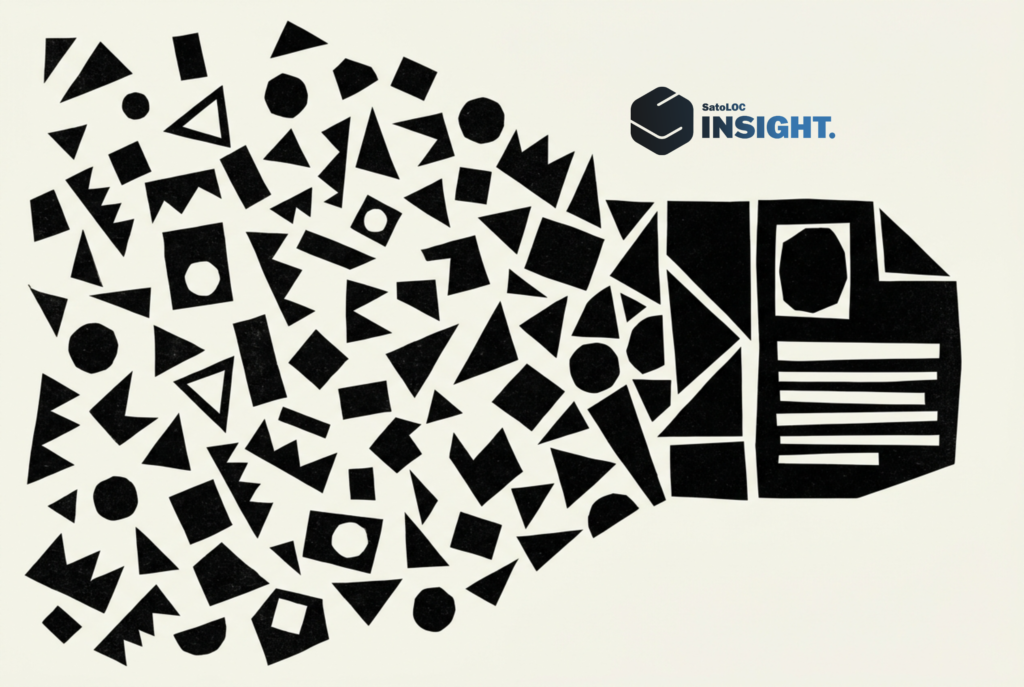
In the early days of AI art, users would spend hours “rolling the dice,” generating dozens of versions of an image hoping the AI would finally place a subject in the right spot or use the correct color palette. This was a significant drain on resources and a bottleneck for agile marketing teams.
The modern AI Image Editor has replaced this randomness with control. Today’s sophisticated platforms allow for “In-painting” and “Out-painting” with surgical precision. If you generate a high-quality hero image for a blog post but realize the subject’s clothing clashes with your brand colors, you no longer need to regenerate the entire image. You simply highlight the area and instruct the AI to change the specific element.
The Power of Integrated Workflows

The most significant advancement is the ability to edit in one editor where you generate your content. Moving between Midjourney, Photoshop, and Canva used to be the standard operating procedure. Now, the friction of exporting and importing files is being eliminated. When you can generate a base layer and immediately apply an AI-driven logo overlay or adjust lighting in the same interface, the production time for high-quality assets drops from hours to minutes.
- Consistency: Maintaining the same “seed” or style across multiple edits.
- Speed: Eliminating the file-transfer bottleneck.
- Cost-Efficiency: Reducing the need for multiple expensive software subscriptions.
2. Mastering Brand Integrity: Logo Overlay and Positioning
One of the biggest hurdles for AI-generated content has always been branding. AI models are notoriously bad at rendering specific corporate logos or maintaining the exact proportions of a brand mark. This is where the AI Image Editor becomes an essential tool for the modern enterprise.
According to research into branded AI images and logo overlays, the ability to seamlessly integrate a vector logo into an AI-generated scene is the difference between a “cool AI experiment” and a “professional marketing asset.”
Precision Branding Tools
Modern editors now include dedicated layers for branding. This allows users to:
- Logo Overlay: Apply a high-resolution PNG or SVG logo onto an AI-generated surface (like a coffee mug, a laptop screen, or a billboard) while the AI automatically adjusts the shadows, perspective, and texture to make it look real.
- Resize Logo: Use intuitive handles to scale the brand mark without losing resolution, ensuring it meets brand guidelines for “clear space.”
- Change Location of Logo: Drag and drop the logo across the canvas. The AI editor recalculates the environmental lighting in real-time, ensuring the logo doesn’t look like a “sticker” slapped on top of the image.
For a technology-driven brand like SatoLOC, ensuring that every visual asset—whether it’s for a social media post or a technical whitepaper—carries the correct visual identity is paramount. The AI Image Editor makes this “brand-safe” AI a reality.
3. Solving the Typography Trap: Adding Text with Intent
If you’ve ever tried to generate an image with specific text using early versions of DALL-E or Stable Diffusion, you likely ended up with “word salad.” While models have improved, they still lack the layout control required by professional designers. The revolution in AI image editing solves this by treating text as a dynamic, editable layer rather than a flattened part of the pixel grid.
Why “Add Text” is a Critical Feature
When you add text within a modern AI editor, you aren’t just typing on top of a picture. You are interacting with the AI’s understanding of the scene. Features now include:
- Depth-Aware Text: Placing text *behind* a subject in the foreground automatically, using AI-generated depth maps.
- Style Transfer: Matching the font’s texture and lighting to the rest of the image (e.g., making text look like it’s glowing neon or carved into stone).
- Multilingual Localization: For global companies, the ability to quickly swap text from English to Japanese or Spanish while maintaining the same aesthetic is a game-changer. This aligns perfectly with the strategies discussed in multilingual content marketing.
By integrating these typography tools directly into the generation workspace, creators can produce “ready-to-publish” ads, thumbnails, and headers without ever leaving the browser.
4. Contextual Editing: Changing Locations and Environments
In the past, if you had a great photo of a product but needed it to be in a different setting—say, moving a tech gadget from a home office to a futuristic laboratory—you would need a professional retoucher. AI Image Editors have democratized this process through “Background Swapping” and “Generative Fill.”
The Global Campaigns
Imagine a startup using the SatoLOC Insight’s API integration to scale their content. They generate one perfect product shot. Using an AI editor, they can:
- Change the background to a snowy landscape for a Nordic winter campaign.
- Swap the background for a sun-drenched cafe for a Mediterranean summer launch.
- Adjust the “location of logo” on the product packaging to comply with different regional labeling laws.
This level of flexibility ensures that a single core asset can be repurposed dozens of times, significantly increasing the ROI of every piece of content generated. It’s not just about making images; it’s about managing a visual library that evolves with your marketing needs.
5. The Future of AI Editing: Video, RAG, and Beyond
As we look toward the latter half of 2026, the boundaries between static images and dynamic content are blurring. Tools like Leonardo.ai and NightCafe are already integrating “Image-to-Video” capabilities. The AI Image Editor is becoming the “AI Media Command Center.”
The Role of RAG in Visuals
Retrieval-Augmented Generation (RAG) is no longer just for text. We are seeing the rise of “Visual RAG,” where an AI editor can pull from a company’s private database of product photos and brand assets to ensure that every generated image is factually and visually accurate. This prevents the AI from hallucinating details about a specific piece of hardware or software interface.
This technical precision is vital for SEO. As search engines become more sophisticated at “reading” images, having clear, branded, and contextually relevant visuals is a key ranking factor. For more on this, exploring why SEO still matters in the age of AI provides a deeper look at how visual content fits into the broader search landscape.
| Feature | Traditional Workflow | AI Image Editor Workflow (2026) |
|---|---|---|
| Logo Integration | Manual masking in Photoshop | Automated logo overlay with perspective matching |
| Text Changes | Re-doing the entire layout | Dynamic add text layers with AI styling |
| Environment | Stock photo search or reshoot | Instant background swap via generative fill |
| Workflow | 3-4 different software tools | Edit in one editor where you generate content |
6. Practical Steps to Implementing an AI-First Visual Strategy
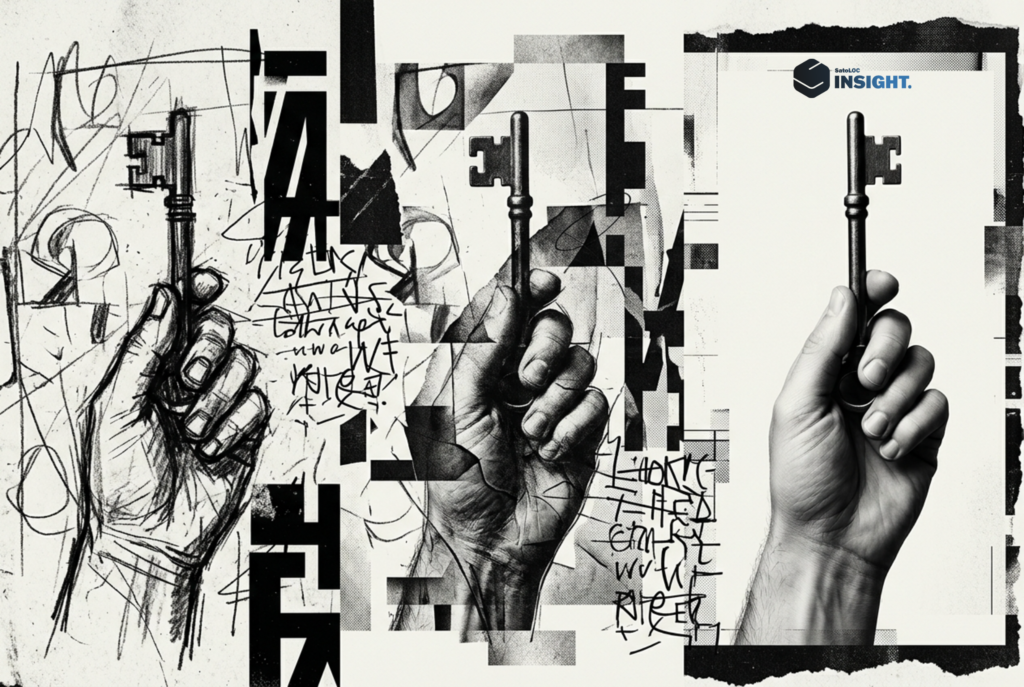
To truly revolutionize your content production, you must move beyond using AI as a novelty. It must be integrated into your professional stack. Here is how to start:
Step 1: Centralize Your Assets
Before you start generating, ensure your brand assets (logos, fonts, color palettes) are digitized and ready for overlay. Use the resize logo and change location of logo features to create a “Brand Kit” within your AI editor.
Step 2: Adopt a “Generate-then-Refine” Mindset
Don’t expect the first prompt to be perfect. Use the generation phase to get the composition and lighting right, then use the editor’s manual tools to fix the details. This is where the real professional quality happens.
Step 3: Localize for Global Reach
Use the editor to adapt your visuals for different markets. This includes changing text, adjusting cultural nuances in the background, and ensuring your branding is appropriate for the region. This is a core component of multilingual SEO and content pruning.
The New Creative Standard
The revolution of AI images isn’t just about the “AI”—it’s about the “Editor.” By empowering creators to edit in one editor where you generate your content, we are removing the barriers between imagination and professional execution. Whether you are performing a complex logo overlay, needing to add text for a last-minute ad campaign, or simply wanting to resize logo assets for a mobile-first world, the AI Image Editor is your most powerful ally.
For businesses looking to stay ahead, the message is clear: stop generating images and start crafting them. The tools are here, the workflows are optimized, and the potential for brand-safe, high-impact visual storytelling has never been greater.
Ready to take your content marketing strategy to the next level? Explore how SatoLOC can help you navigate the intersection of AI, content, SEO, and localization. Take a look at our works here.
Leave a Reply