
The global demand for digital assets has reached unprecedented levels. To keep pace with rapid campaign cycles, social media demands, and international product launches, marketing and design teams are increasingly moving away from purely manual design workflows. At the center of this transformation is the AI photo editor, a technology that has evolved from basic filter automation into a sophisticated suite of tools capable of generating, refining, and localizing imagery in seconds.
However, the rapid adoption of AI-powered visual content creation has brought significant growing pains. Creative communities are expressing deep concerns over artistic ownership, while cybersecurity teams warn of massive data leaks from poorly secured AI platforms. Furthermore, audiences are experiencing “AI fatigue,” rejecting overly smoothed, hyper-stylized graphics that feel disconnected from reality. For enterprise brands, the challenge is no longer just about moving faster—it is about scaling visual content safely, ethically, and authentically.
This guide demystifies the current landscape of AI-powered design. We will explore how modern organizations can leverage these tools for maximum efficiency while building robust workflows that protect brand integrity, respect data privacy, and maintain high aesthetic standards across global markets.
The Modern AI Image Stack: Core Capabilities and Applications
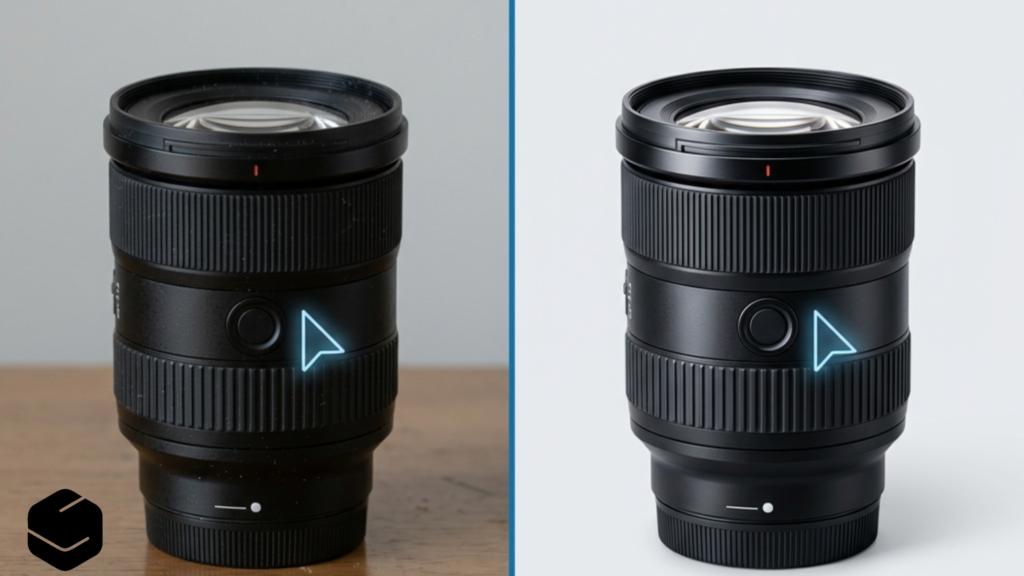
To implement an AI-powered visual strategy, it is essential to distinguish between utility-based automation and generative creation. The modern creative workflow uses a combination of both to balance speed with precision.
1. Automated Image Correction and Enhancement
Traditional image editing requires hours of tedious color grading, exposure adjustment, and white balance correction. Modern automatic image enhancement tools analyze an image’s histogram, depth, and subject matter to apply professional-grade adjustments instantly. These tools learn from massive libraries of professionally edited photographs to balance shadows, highlight details, and reduce noise without flattening the image’s natural textures. For brands managing thousands of catalog images, this turning point reduces post-processing times from days to minutes.
2. Background Removal and Isolation
Perhaps the most widely adopted utility function is background removal with AI. Rather than manually drawing clipping paths around complex subjects—such as frizzy hair or transparent glassware—neural networks identify the primary subject and isolate it with pixel-perfect accuracy. Once isolated, teams can drop subjects into custom digital environments, making it incredibly easy to produce clean, versatile assets for diverse marketing layouts.
3. Object Removal and Photo Retouching
Professional photo retouching tools powered by AI have moved far beyond simple clone-stamping. Generative fill and inpainting algorithms allow editors to select distracting elements—such as power lines, stray reflections, or background crowds—and replace them with contextually accurate textures that match the lighting and grain of the original photo. This ensures that assets captured in less-than-perfect real-world conditions remain highly usable.
4. Product Photo Editing at Scale
For e-commerce brands, product photo editing is the primary driver of ROI. AI tools can ingest a basic smartphone photo of a product, isolate it, correct its lighting, and place it in a hyper-realistic scene (such as a marble countertop or a sunlit studio). This drastically lowers the cost of physical photoshoots while allowing marketing teams to test different visual contexts and colorways instantly.
5. Generative AI Asset Creation
At the top of the stack is AI image generation. Using latent diffusion models, these tools generate entirely new visual assets from text prompts or reference images. While highly powerful, generative tools require the most oversight, as they introduce unique challenges regarding brand consistency, intellectual property, and community reception.
| Tool Category | Primary Use Case | Key Benefit | Human Oversight Required |
|---|---|---|---|
| Automatic Enhancement | Batch color grading & exposure tuning | Massive time savings across large galleries | Low (automated QA checks) |
| AI Background Removal | Isolating subjects for e-commerce or collages | Clean, transparent PNGs in one click | Low (spot-checking complex edges) |
| Intelligent Retouching | Removing blemishes, distractions, or text | Saves hours of manual clone-stamping | Medium (checking for textures/artifacts) |
| Generative Design | Creating campaign backgrounds or concept art | Infinite creative iteration from prompts | High (checking brand alignment and licensing) |
Navigating the Ethical Minefield: Security, Privacy, and “AI Slop”
As enterprise teams adopt online AI design tools, they must confront the ethical and operational risks currently sparking intense debate in the creative and technical communities. Failing to address these issues can result in public relations crises, legal liabilities, or severe data breaches.
The Risk of Data Leaks and Exposed Databases
Data security is one of the most critical, yet overlooked, aspects of AI-powered design. Many free or low-cost AI photo tools run on poorly secured infrastructure. The industry was recently shaken by news of a startup’s exposed database that leaked over one million images and videos—including sensitive, unconsented, and “nudified” pictures of real people.
When employees upload proprietary product designs, confidential prototypes, or photos of real people to external, unvetted AI editors, that data may be stored on public servers or used to train public models. Organizations must mandate the use of enterprise-grade platforms that offer strict data-privacy agreements, local hosting options, or zero-data-retention policies.
Aesthetic Fatigue and the Backlash Against “AI Slop”
In online communities, there is a growing resistance to what users call “AI slop”—hyper-saturated, plastic-looking visuals characterized by anatomical anomalies, nonsensical background details, and repetitive stylistic tropes. Online forums frequently parody these trends, pointing out how certain generative engines persistently default to bizarre, caricatured, or highly distorted depictions of individuals.
When a brand relies too heavily on unedited generative images, it risks looking cheap and untrustworthy. To combat this aesthetic fatigue, creative teams should use AI tools as collaborative assistants rather than replacements for human designers. Utilizing AI for initial drafts, backgrounds, or structural layouts—while keeping human hands on the final textures, typography, and details—preserves the organic quality that audiences instinctively trust.
“The goal of AI in design isn’t to replace human artistry, but to eliminate the administrative and mechanical friction of creation. The human eye remains the ultimate arbiter of style, authenticity, and emotional resonance.”
Copyright, Fair Training, and Intellectual Property
The legal landscape surrounding AI training models remains highly volatile. Many prominent AI generators were trained on copyrighted artworks without the creators’ consent, leading to widespread protests among illustrators and photographers. In response, many designers have created physical and digital art pieces protesting the unauthorized ingestion of their portfolios.
To mitigate legal risks, enterprises should prioritize AI models trained on licensed, public-domain, or opt-in datasets (such as Adobe Firefly or commercially cleared proprietary engines). Ensuring your AI-generated assets are built on ethically sourced data protects your brand from future copyright claims and demonstrates respect for the creative community.
Building a Secure, High-Performance Workflow for Creative Teams
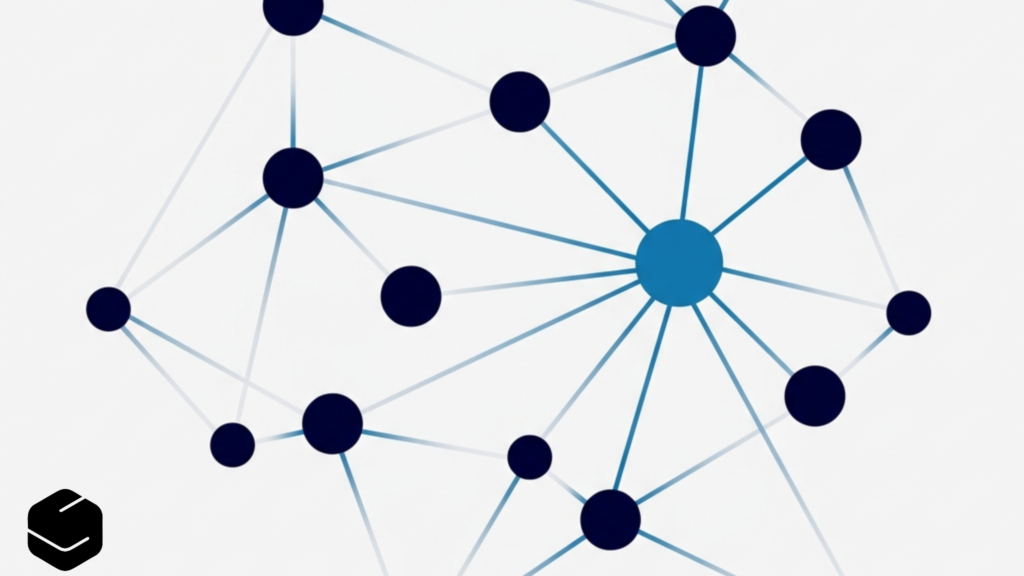
For marketing, content, and localization teams, the path forward requires integrating smart design tools into structured, repeatable workflows. Below is a practical blueprint for implementing an efficient and highly secure visual content pipeline.
- Audit Your Existing Tooling: Identify which team members are using unsanctioned, free browser editors. Replace these shadow IT tools with centralized, enterprise-vetted accounts that guarantee data privacy and offer comprehensive team administration features. For detailed guidance on picking secure, on-brand systems, read about setting up AI image editors for brand visuals.
- Establish Brand Guardrails: Define clear rules on what can and cannot be generated or altered using AI. For example, product colors and key brand assets should remain untouched by generative filters to ensure accuracy, while background textures and environmental lighting can be freely manipulated using AI.
- Enforce Human-in-the-Loop QA: Never publish an AI-generated or heavily edited image without a final human review. Editors should check for structural anomalies, text legibility, correct shadows, and alignment with the brand’s visual identity.
- Implement Secure Asset Storage: Use secure Digital Asset Management (DAM) systems that track the metadata of your files, clearly indicating which images have been modified, enhanced, or generated using AI. This ensures transparency and helps maintain compliance as global AI disclosure regulations evolve.
By treating AI as an extension of the designer’s toolkit—rather than an autonomous content factory—organizations can unlock massive productivity gains without sacrificing their brand identity or ethical standards.
Global Scalability: Visual Content Meets Multilingual SEO
Visual content does not live in a vacuum. For global organizations, a stunning, AI-enhanced image is only successful if it resonates with local audiences and complies with regional search trends. This is where visual content creation intersects with international SEO and localization.
Cultural Adaptation of Visual Assets
An image that performs exceptionally well in North America may fall flat or carry unintended connotations in East Asia or Western Europe. Different cultures interpret colors, symbols, spatial layouts, and human gestures in highly distinct ways. Using AI photo editors, localization teams can quickly swap out localized background elements, adapt seasonal imagery, and adjust product contexts to align with regional preferences without needing to schedule entirely new photoshoots.
Translating and Optimizing Embedded Image Text
Search engines are increasingly skilled at reading text embedded within images using Optical Character Recognition (OCR). To rank in global search, the text inside your infographics, product banners, and promotional cards must be localized accurately. Simply translating word-for-word is not enough; the translated text must fit the layout organically and use regional keywords that target localized search intent.
When scaling localized campaigns, organizations use tools like the SatoLOC Insight platform to coordinate their multilingual content strategy. By combining intelligent translation workflows with highly structured SEO analysis, brands can align their visual assets with localized written copy. To learn more about synchronizing your visual and text strategies, explore our guide on how to optimize AI-generated content for international search engines.
Embracing the Future of Responsible Design
The rise of AI-powered visual design tools is transforming the creative industry, giving teams the agility to test, iterate, and publish at speeds that were unimaginable a decade ago. From instant background removal to automated color correction, these technologies remove repetitive technical barriers, allowing creators to focus on strategy, concept, and storytelling.
Yet, the true measure of a brand’s maturity is how it navigates the ethical and security challenges of this new era. By establishing rigid data-security protocols, prioritizing ethically sourced models, maintaining human oversight, and adapting visuals to meet the cultural nuances of global audiences, modern enterprises can build a visual content engine that is both incredibly efficient and fundamentally trustworthy.
Ready to streamline your global content footprint? Partner with SatoLOC Insight to discover how our content platform can help your organization manage multilingual content, optimize SEO across 20+ languages, and deliver consistent, high-performing brand experiences worldwide.
Leave a Reply